
Overview
A Chip is a component in the shape of a pill that visually represents an object or a series of data providing feedback in context, such as filtering criteria, keywords or selection sets.

The chip acts a container of different functions and elements such as an avatar, text, or an icon. They can also be closed or removed.
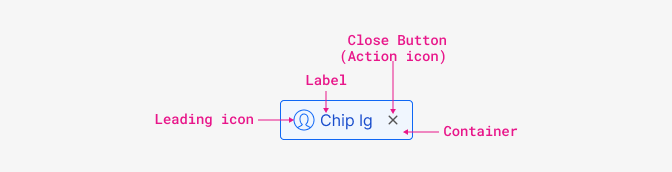
| Content | Purpose |
|---|---|
| Leading icon/Thumbnail | Identify entities by displaying an avatar, logo or icon. |
| Label | It can be an entity name, description or tag. |
| Close (Action Icon) | Included for removing the chip from a selection. |
| Container | Hold all chip elements. In the case of Filter chips it’s clickable in order to select/unselect. |
Overflow
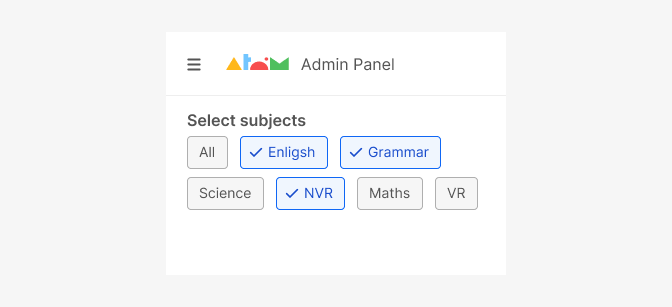
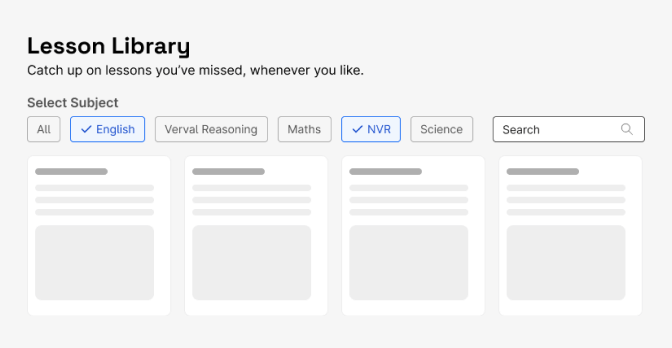
Chips Toggle are typically displayed horizontally under the title or next to it. More than one row of chips can wrap to the next row.
When to use
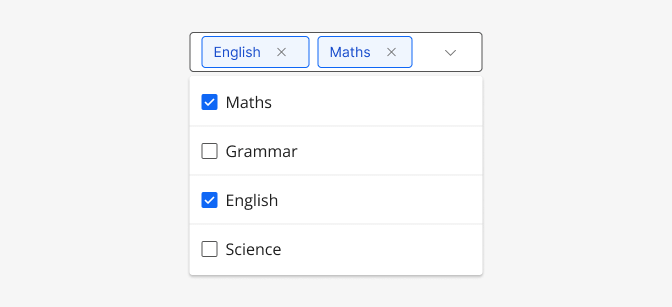
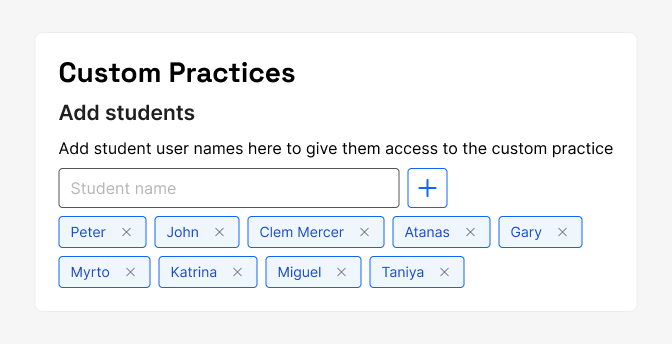
Use Chips Dismissable to enter information. Used in fields, such as an entity or different attributes. Dismissible chips can also be used to represent removable filtering criteria.
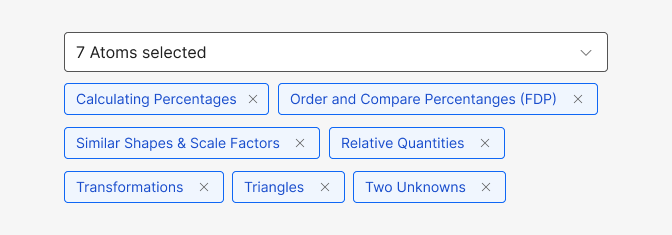
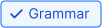
Use Chips Toggle as a method for filtering data for a collection to show only items within that particular category. Acts like multiple or single selection. Each chip toggles between selected and unselected. When selected, a checkmark appears as the leading icon.
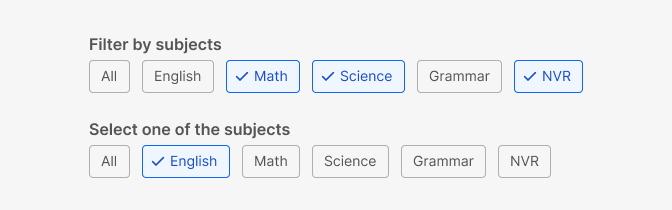
You can click/tap a chip to select it. Multiple chips can be selected/unselected.
Do's and Don'ts

Do
Truncate text when overflowing the max box width of the parent container’s available horizontal space.
Don't
Use for status information, tallies or counts. Use badges instead.

Do
Be consistent with the size of chips in a set.
Don't
Chips toggle should not present only a single option.

Do
Be consistent with the size of chips in a set.

Don't
Mix Input chips and dismissible Filter chips.