
Overview
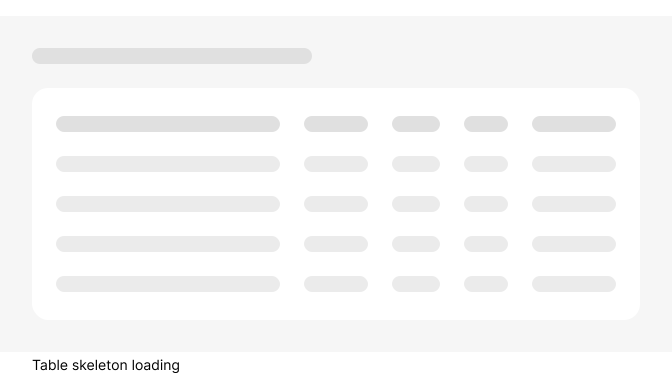
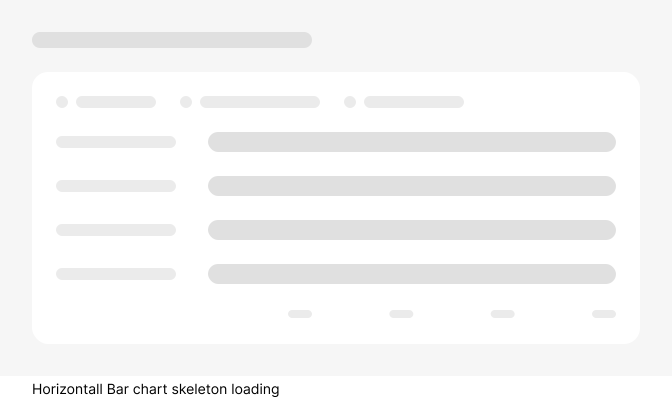
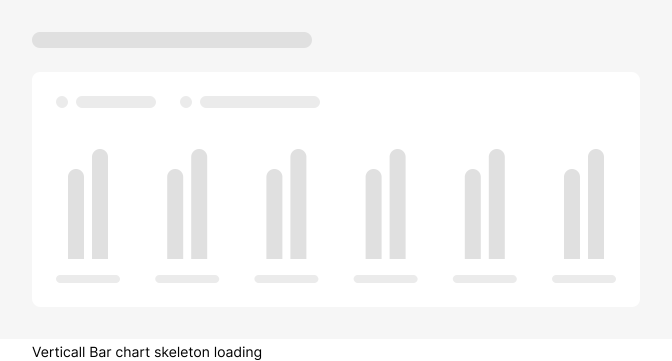
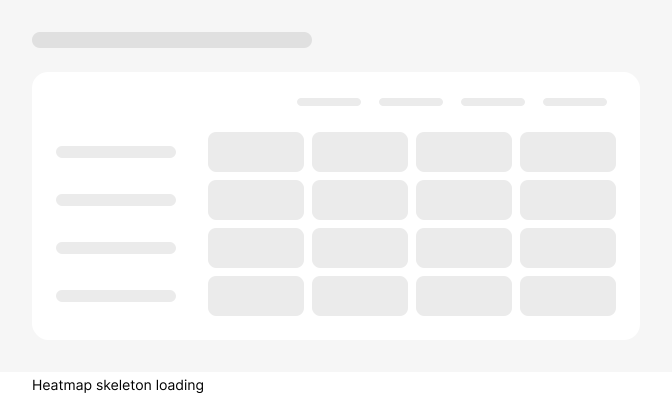
A skeleton “screen” is a design pattern used during page loading to present users with a wireframe-like visual resembling the page layout. Skeleton loading offers several benefits:
- Preventing user frustration: Skeleton screens reassure users that the page is loading, minimizing the likelihood of them abandoning the site due to perceived issues.
- Creating a perception of shorter wait times: By gradually displaying the layout, skeleton screens give the impression of a smoother transition to the final content.
- Reducing cognitive load: Instead of confronting users with a blank screen followed by sudden content, skeleton screens allow users to mentally prepare by previewing the page structure.
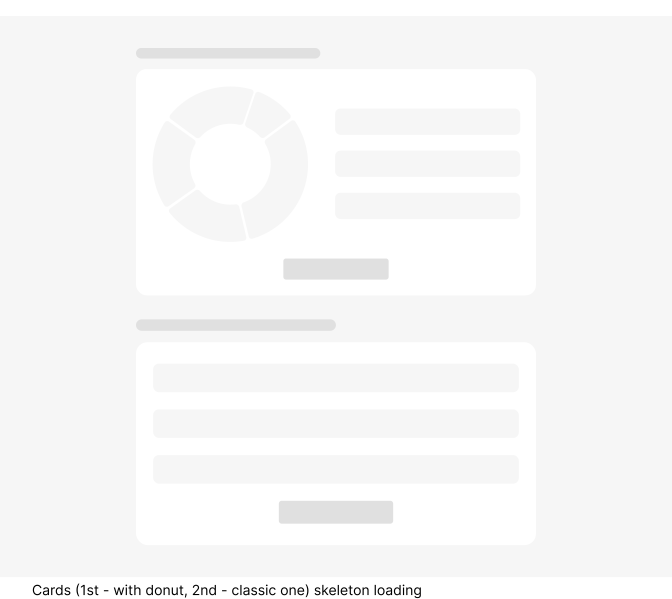
When to use
One of the most common uses for skeleton screens is on content and image-heavy web pages, such as dashboards, cards or lists. If a web page needs to load multiple tables, images at the same time or pull data from several different sources, you’ll likely need a skeleton screen to avoid frustrating your users. If a page takes less than 1 second to load, skeleton screens or spinners aren’t necessary, as they likely won’t make a difference to the users’ experience. Using a skeleton screen in such situations can be annoying because the quick flashing page can cause users to feel like they can’t keep up.
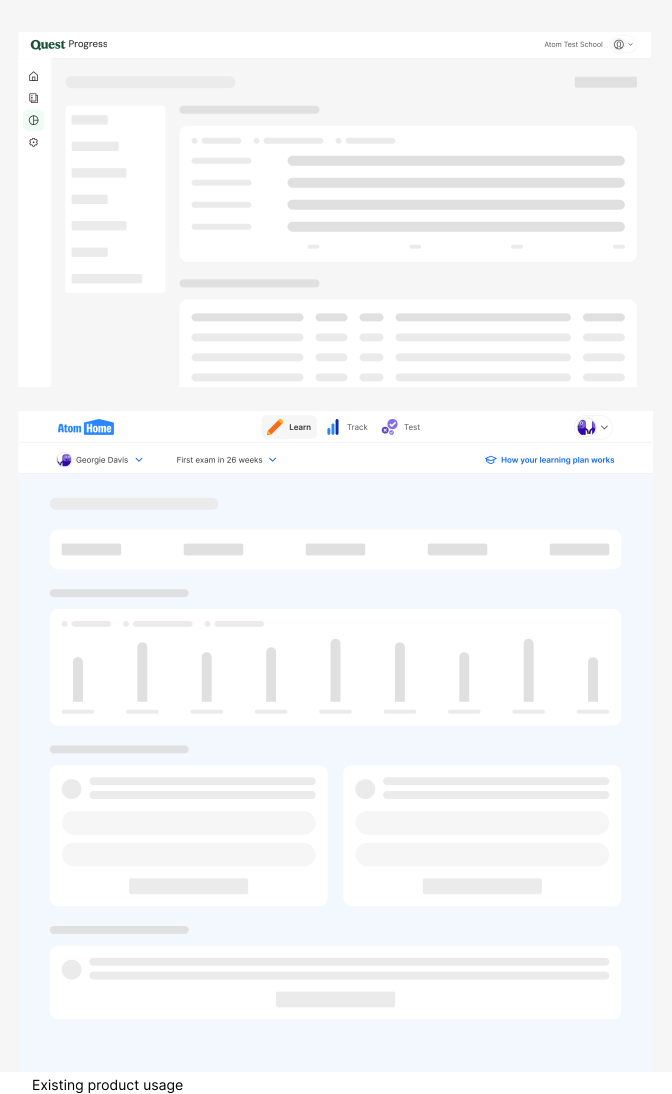
Do's and Don'ts

Do
Use skeleton component for dynamic content only.

Don't
Don’t use Skeleton component for static content.

Do
Keep skeletons simple and lightweight
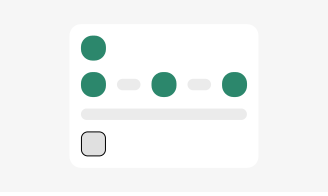
Don't
Don’t overcomplicate skeleton designs with excessive details.

Do
Don’t overcomplicate skeleton designs with excessive details.
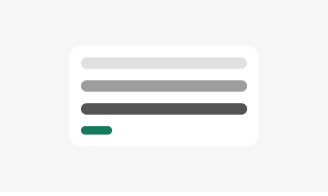
Don't
Don’t overcomplicate skeleton designs with excessive details.

Do
Use subtle animation.

Don't
Don’t use overly flashy or distracting animations.
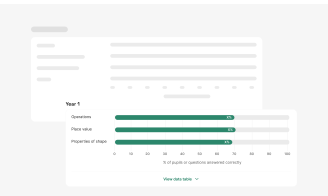
Do
Use to give the user an indication of what the page layout will be like once loaded.
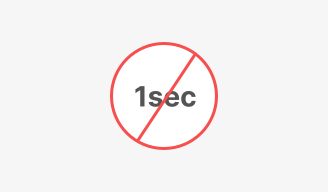
Don't
Use to give the user an indication of what the page layout will be like once loaded.