
Overview
A slider component is a graphical control element that allows users to select a value within a specific range by sliding a thumb or marker along a horizontal or vertical track. Slider components are commonly used in user interfaces to adjust settings, such as volume, brightness, or temperature.
Accessibility
It's important to make sure that slider components are accessible to all users, including those with visual impairments. This can be accomplished by using aria-label and aria-valuemin, aria-valuemax, and aria-valuenow attributes to provide accessibility information to screen readers.
Anatomy

Options

Slider with multiple values

Slider displaying value and label

Slider displaying value and label

Slider with steps
When to use
Slider components are commonly used in user interfaces to adjust settings or select a value within a specific range.For example, a slider component might be used to:
- adjust the time, or number of questions
- adjust just the volume of a media player
- control the brightness of a screen
Sliders are also used in data visualisation to allow users to explore data ranges and patterns, such as adjusting the time range of a graph or chart.
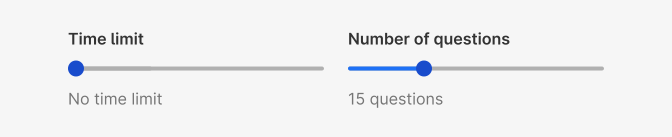
To adjust settings or select a value within a specific range

To select, explore ranges
Do's and Don'ts

Do
Provide a label to describe value.
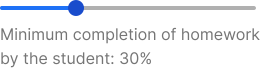
Don't
Provide a label to describe value.
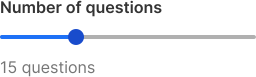
Do
Always use a slider with a label for better accessibility.

Avoid
Using slider without label.
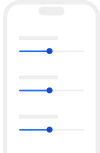
Do
Remember to add enough space, while using this component on smaller screens, to enhance usability.
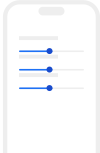
Don't
Use small spaces around slider components on smaller screens.

Don't
Use for extremely large ranges, e.g. 1-1000.

Don't
Use for ranges, that are too small, e.g. 1-3.