
Overview
A textarea is an input area in a user interface where users can input and edit multi-line text, such as comments, descriptions, or messages.

Textarea default
When to use
A textarea component is typically used in situations where users need to input or edit multi-line text.
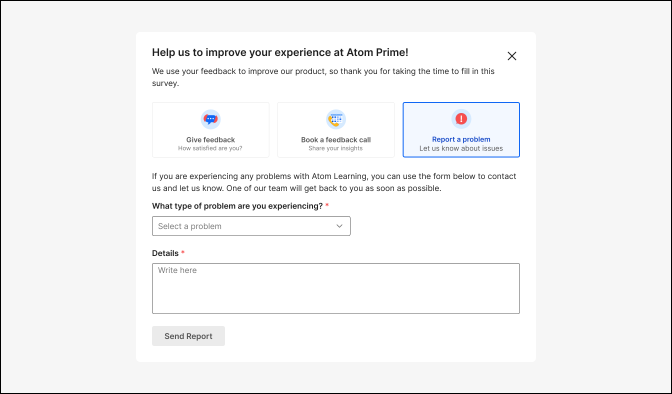
Textareas are commonly used in comment sections or feedback forms where users can express their thoughts or opinions.
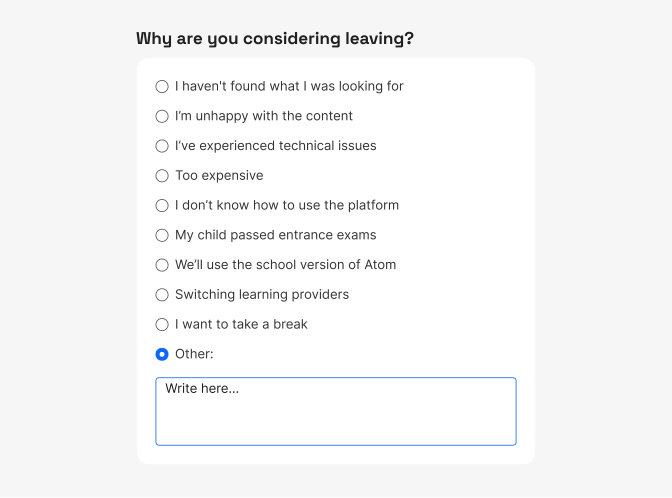
Long-form content e.g. when users need to provide longer pieces of text, such as comments, reviews, descriptions, or messages.
Content guidelines
- Use a concise label, to not only rely on placeholder text as it is not always visible (once the user starts typing it disappears).
- Use a concise label to indicate what information goes in the text area input. The label should be a noun string. For example, if the text area appears in a dialog called "In-app feedback", the label for a description text area should only say "Description/Details" and not repeat the modal's title.
- Avoid using only placeholder text. Make sure any critical information is communicated either in the field label.
Accessibility
- Placeholder text - if you use placeholder text, ensure it doesn't replace the need for a label. It should be a supplementary hint, not the primary source of information.
- Error messages - if there are input requirements or validation errors, provide clear and descriptive error messages.
- Focus styles - ensure there's a clear visual indicator when the textarea has keyboard focus. This helps users understand where they are in the interface.
- Responsive design - ensure that the textarea component works well across various screen sizes and orientations, allowing users to interact comfortably.
Do's and Don'ts
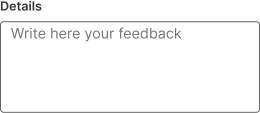
Do
Use textarea as an affordance to input longer-form text content.
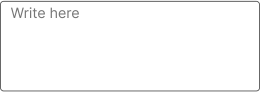
Don't
Use placeholder as a replacement for label, as this creates accessibility and usability issues.
Do
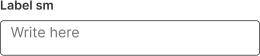
Set the min-height of the textarea row to ensure that the text entered is visible without scrolling.
Don't
Change the textarea's min-height to a smaller value.
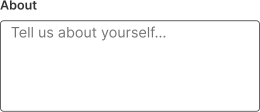
Do
Be specific to help users understand the context of their input.
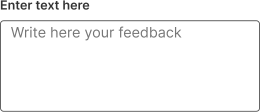
Don't
Use vague labels, like "Enter text here".
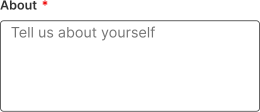
Do
If the field is required use * to highlight it.
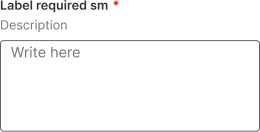
Do
Add a description if you are concerned that textarea is not clear enough to the user.