
Overview
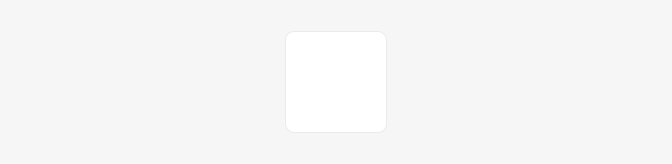
Tile is a fundamental layout component used as a generic container to build the surface of panels, cards, lists and other content components that group information.
Tile can wrap any content, including multiple elements of varying types and sizes, like images, text, buttons, links, badges, icons, etc.
Tile has styles but no functional logic in itself, and it is also used to provide common styles for Tile button and Tile toggle which are interactive elements.
The tile itself doesn’t include any sizing or paddings applied.
When to use
You can use it to build the container box for panels, cards, lists, and other content components that group information.
Using Tile will help us ensure we build UIs consistently and save time when designers are deciding styles and when developers are building them.
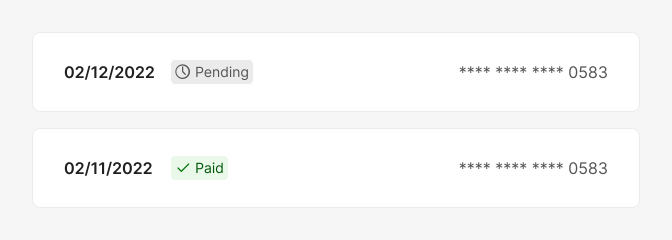
Default non-interactive tile. {base: "grey1"}
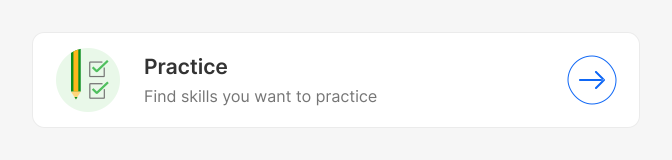
Tile button example. {base: "grey1", accent: "blue2"}
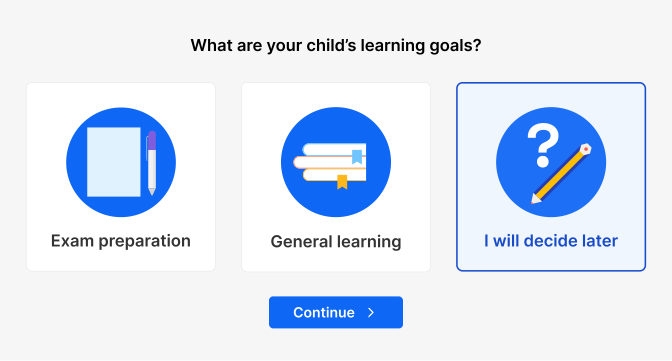
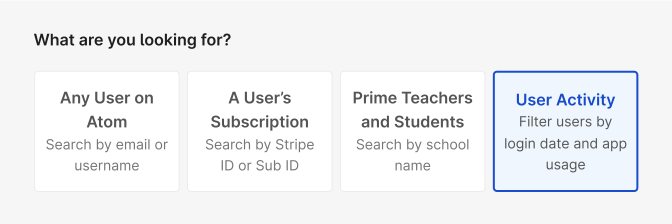
Tile toggle (single select example). {base: "grey1", accent: "blue2"}
Color Scheme (experimental)
You can use colorScheme feature to customise the colours of the Tile. ColorScheme is experimental. You can read more about how it currently works and available options on the repository's github.
In a nutshell, colorScheme introduces a component that allows for base and accent theme properties, as well as an interactive contrast mode that affects all interactive components. The 'base' property is used for the base colors of the wrapped component, while "accent" is used for highlighted and interactive elements.
Tile defaults to {base: "grey1", accent: "blue2"} and both ‘Base’ and ‘Accent’ currently accept any of the following options: grey1, grey2, blue1, blue2, purple1, purple2...
For tile, ‘Base’ determines the colour of the tile in a default/resting state (including its hover, pressed, focus), and ‘Accent’ determines the colour when the tile is selected (including its hover, pressed, focus).
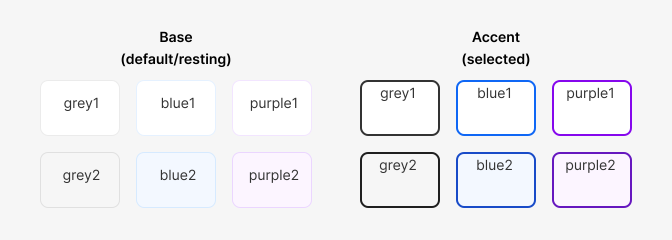
Tile: all colorScheme options
When to use 1 vs 2
Choosing between grey1 vs grey2, or blue1 vs blue2 will most likely be determined by the background where the component is displayed and the emphasis that you want it to have against the rest of the UI elements on the page/section.
Most of our UI components in Atom will normally use base:grey1 and accent:blue1, and you can mix-match any of these.
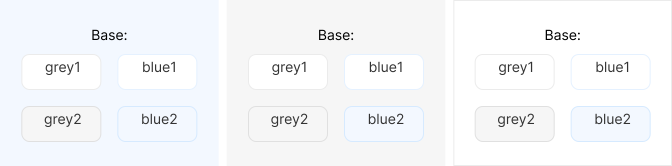
Tile using different base colorScheme for different backgrounds
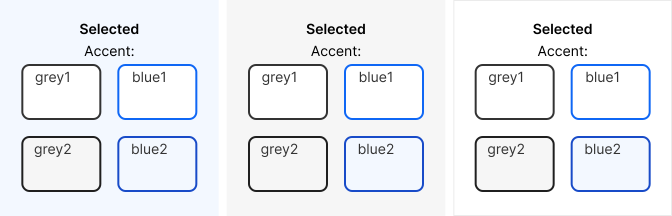
States
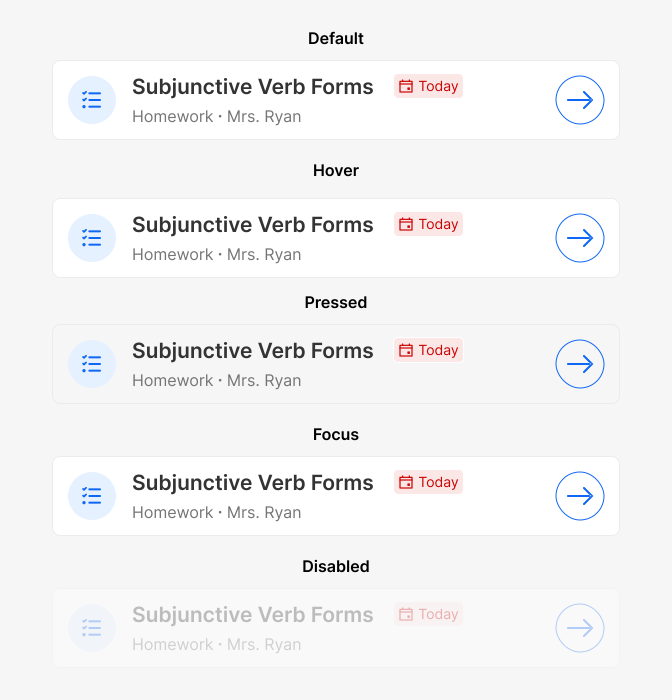
States for Tile button {base: "grey1", accent: "blue2"}
Elevation
When the user hovers over an interactive Tile, it has an elevation defined by a shadow and a position change.
Do's and Don'ts
Do
When possible, user border colour to separate the tile from the background.

Don't
Don't use too pale text inside tiles to avoid accessibility issues.

Do
Group Tiles by theme using the same colorScheme and consistent styles.
Avoid
Using mismatching tiles with different styles when they are part of the same group.