
Overview
The Tooltip component is a user interface element that displays additional information when the user hovers over or clicks on a specific element. Tooltips are typically used to provide users with context or additional details about an element, such as the purpose of a button or the meaning of an icon.

When to use
Tooltips are typically used to provide additional information on a specific term or item, or to clarify a confusing element on a webpage or application. They can help to improve the user experience by providing quick access to relevant information without cluttering the main interface.
Content guidelines
- Keep the content concise and focused on the most important information.
- Use plain language that is easy to understand.
- Avoid technical jargon or industry-specific terms.
- Make sure the content is accurate and up-to-date.
- Use a consistent tone and style throughout the tooltips.
Usage examples
Do's and Don'ts
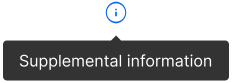
Do
Ensure that the tooltip's content is clear and concise.
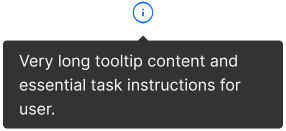
Don't
Overload tooltips with excessive information.
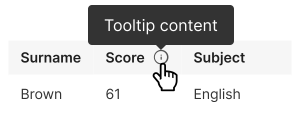
Do
Choose appropriate tooltip placements that don't obstruct critical content and are contextually relevant.
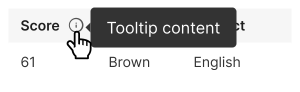
Don't
Position tooltips in a way that obscures the content or makes it difficult for users to interact with the elements they're hovering over.
Do
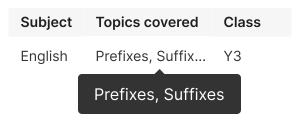
Use tooltip if the content is cut off with an ellipsis or overflows.
Don't
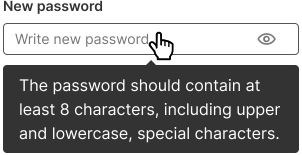
Use tooltips excessively. Reserve them for situations where additional context or information is genuinely needed.