
Overview
Empty states are messages that provide an explanation of an interface in absence of content.
Commonly seen the first time a user interacts with a product or page, but can be used when content has been deleted or is unavailable. An empty state is an opportunity to engage, help, and educate users adding an informative message and actionable buttons.
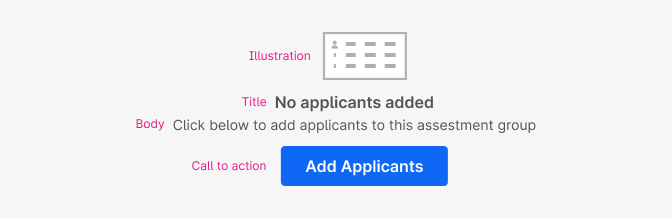
None of the elements are required. In cases where the space is very limited, only a body text would be needed to provide the message. Just try to always be informative and provide enought information to orient the user.
- Illustration: A non-interactive image that is relevant to the message and context.
- Title: A short and concise description.
- Body: A short message that clearly explain why the space is empty and what to do next. Direct the user to a primary action button positioned underneath the copy or to a specific UI element.
- Call to action: The primary call to action referenced in the message above. There could be one or multiple buttons styled as primary, secondary or ghost.
When to use
Use Empty states when there’s an absence of content or data to provide explanation or to help and educate users.
They can appear anywhere your app can display data, including but not limited to panels, tables, cards, modals and full pages.
Each case will be unique and should be thought of as a problem to solve.
The primary goals should be to:
- Improve learnability and feature discovery.
- Increase feature adoption.
- Improve usability.
Examples of use:
- When no results are found after a search or filter.
- When no content or items exists on a page.
- When a certain feature isn‘t available under the current tier.
- When data is missing.
- When there are features that need to be configured first, before having the ability to show or create content.
- When something is amiss or there is some error.
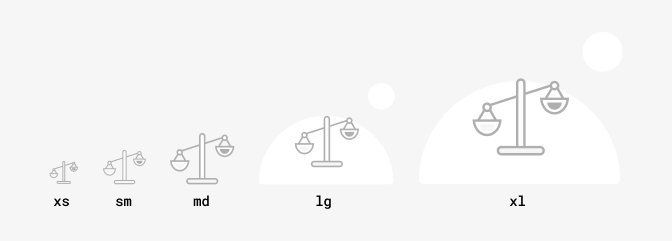
You should choose the size of the image acording to the context and size of the space for the empty state.
Large illustrations are likeley to be the only thing on the page or big containers. For example full-screen messages.
Small illustrations will be more commonly used for smaller containers and when there could be multiple empty states on the same page.
If space is limited, use just text. Also in a dashboard with panels that could show multiple empty states at the same time consider using just text to avoid repetition.
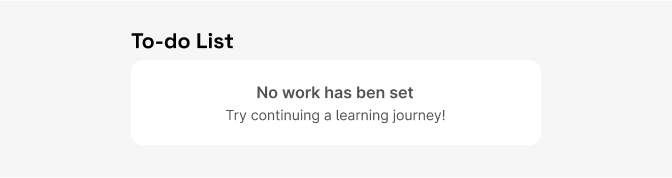
When choosing the type of button that you are going to use for the empty state consider what other content might appear on the same screen and if there could be other empty states shown at once, in that case we recommend using ghost or link buttons. This avoid scenarios with multiple primary buttons in the UI.
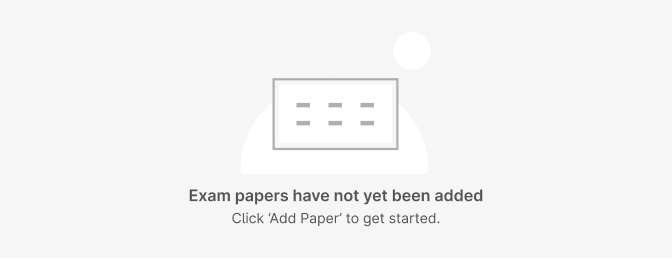
Do's and Don'ts
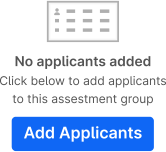
Do
Include a relevant call to action for a possible next step.
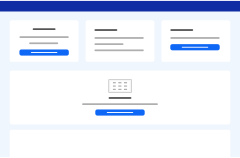
Don't
Include too many primary CTA buttons on one page.
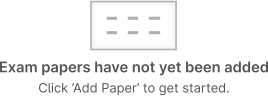
Do
Limit the number of words in the message as much as possible.
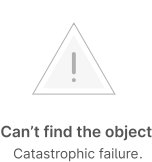
Avoid
Using negative tone for images or message. Choose an image that has neutral tone.
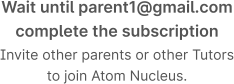
Do
Use sentence case for messages and no punctuation on Titles.
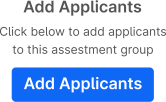
Avoid
Avoid repeating content from the title.