
Overview
A section message displays a contextual notification message for communicating with the user in a particular section of the page, attracting user’s attention without interrupting the user’s task.
They are persistent and non-modal. They can include a ‘close’ button to be dismissed, allowing the user to either ignore them or interact with them at any time.
When to use
Use Section messages when:
- Conveying important information to users within a section of a page without blocking any other part of the interface or disrupting the flow.
- Displaying surface-level information to the user.
- Providing persistent, non-blocking feedback.
Don’t use Section messages when:
- Displaying information that is intented for promotional/marketing purposes. Use Promo banner instead.
- When interacting with the message is required for the user to proceed with a task or flow. Use Dialog instead.
Types
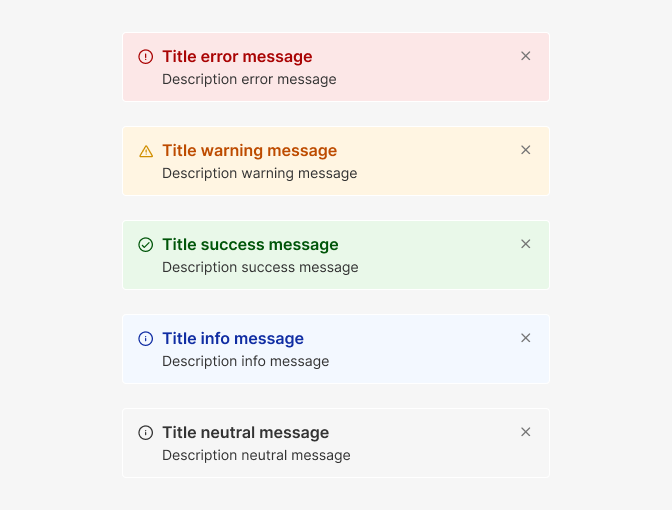
Section messages can be of different type and severity. Usually, you’ll want to differentiate between at least five types of messages:
• Error messages are used to inform users that something went wrong and help them out.
• Warnings should appear when users are about to do something that is destructive or when the result of an action is unexpected, but isn't an error.
• Success messages make it obvious to users that their interaction with your application was successful and also help communicate positive messages.
• Info messages let users know that something happened in the system that wasn't out of the ordinary or unexpected and usually isn't tied to user interaction like "Verify your e-mail to unlock all features".
• Neutral messages inform the user of general events and important information related to a page or section.
Actions
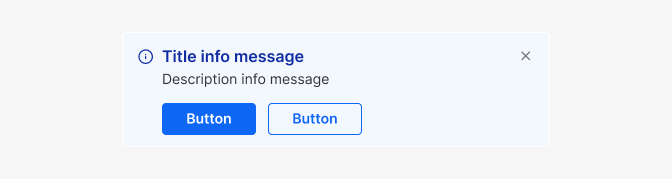
Section messages can have multiple actions following the message. These actions can be links when referencing to a separate site, by specifying the href property, or Buttons, when no href is supplied.
If needed, actions can become disabled after clicking by setting disabled: true in the action data.

Content guidelines
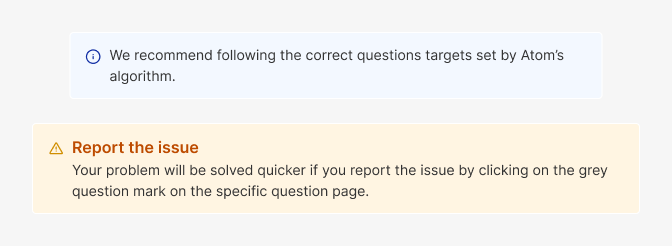
- The title of the message should provide a clear and concise indication of the reason for the message
- The description text should be informative, empathetic, and succinctly convey the message.
- Ensure the copy is easily scannable. Focus on the objective and limit the number of concepts in each sentence.
- Active verbs should be used to direct users towards any necessary actions.
Do's and Don'ts

Do
use for messages that appear after an event takes place, see Toasts.

Don't
use for messages with information affecting the whole site, see Banners and Toast.
Do
Place the Section message visually closer to the action or section it relates to
Don't
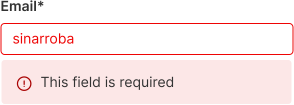
use for smaller contextual messages about a specific part of the UI, see inline messages.
Do
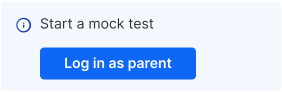
Keep actions short and simple.
Avoid
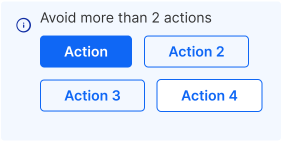
In general, avoid using more than two actions.
Do
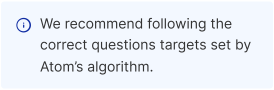
Place the Section message visually closer to the action or section it relates to
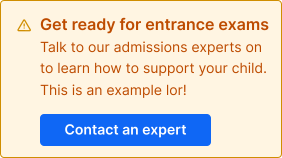
Don't
Use Section Messages for marketing new products or features. Use Promo banner instead.