
Overview
Tabs are an easy way to organize content by grouping similar information on the same page. This allows content to be viewed without having to navigate away from that page.

Organizing content
When to use
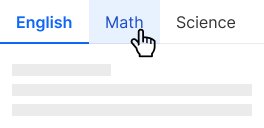
Use tabs to allow users to easily navigate between alternate views of similar content on a screen.
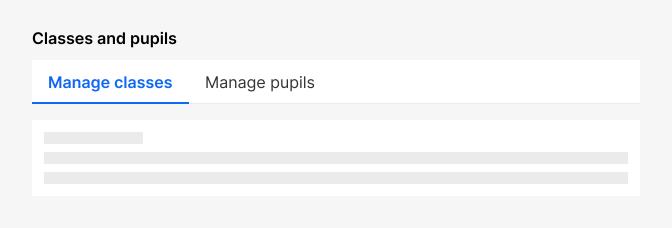
Tabs usage
Content guidelines
- Use sentence case (capitalize only the first word) unless referring to a proper noun.
- Don't punctuate tab labels.
- Use plain language and short tab labels. Keep the label text to one or two words. Short labels are easier to scan. Longer labels may indicate that the categories are too complicated for a tab component.
Do's and Don'ts
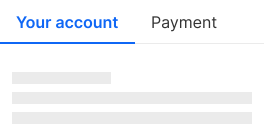
Do
Use sentence case.
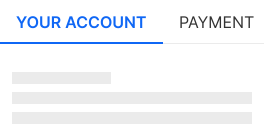
Don't
Use all caps for tab labels.
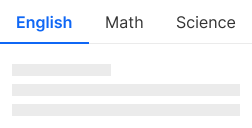
Do
Ensure that tab labels clearly communicate the content they represent.
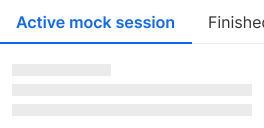
Don't
Use super long labels.
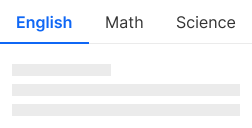
Do
Use tabs with at least 2 buttons.
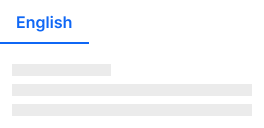
Don't
Use tabs with only 1 button.
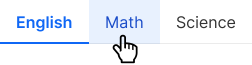
Do
Use visual cues, such as color changes or underlines, to indicate the active tab and respond to user interactions.
Don't
Use tabs when you need to compare information in different tabs - memorizing information and switching backwards and forwards can be frustrating.